Now in private beta

Mesh in.
Parametric CAD out.

Upload an STL, OBJ, or 3MF. Get back a fully editable STEP file with a real feature tree — sketches, extrusions, holes, chamfers, fillets — built from scratch in under 60 seconds.

Coming soon. Join the waitlist for early access.

Convert a mesh right now

Drop any STL, OBJ, PLY, or 3MF. See the result in seconds.

You've used your free conversion

Create a free account to convert more parts and unlock STEP downloads.

Create Free Account

Drop a mesh file here

STL, OBJ, PLY, or 3MF · Max 10 MB

<60s
Per part conversion
93%
Cross-section accuracy
8
Feature types detected
STEP · STL · Onshape
Export formats

See it work on real parts

Every conversion below is a real mesh processed by Paramesh AI. No hand-tuning, no cleanup.
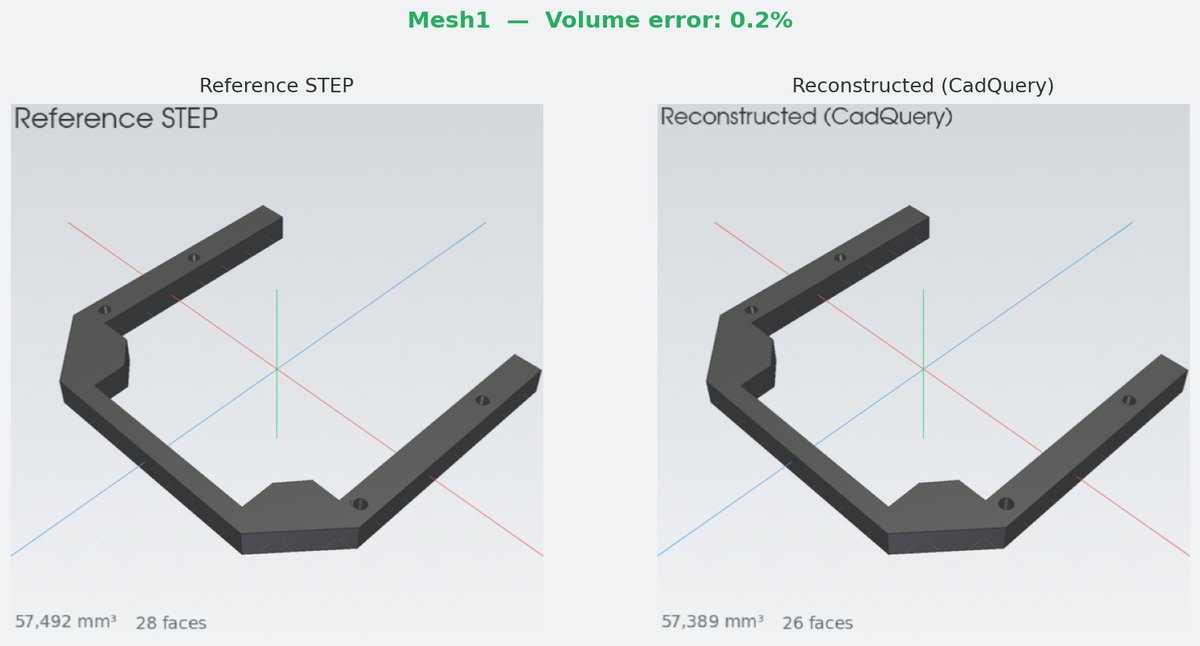
L-bracket mesh to CAD conversion
L-Bracket
6 holes, 2 chamfers · 93% accuracy
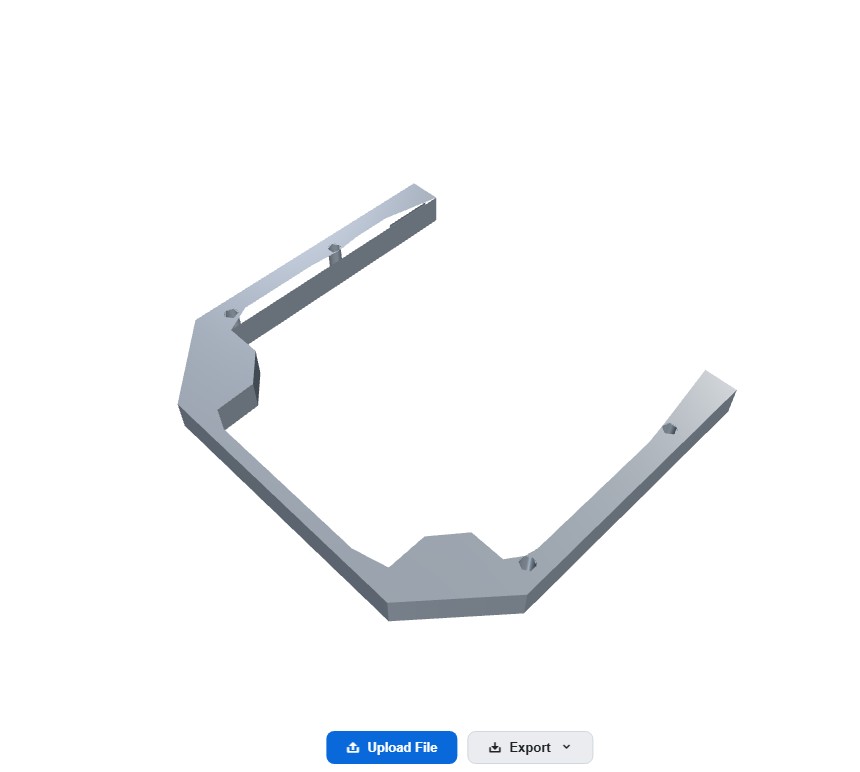
Motor mount mesh to CAD conversion
Motor Mount
8 features · STEP export
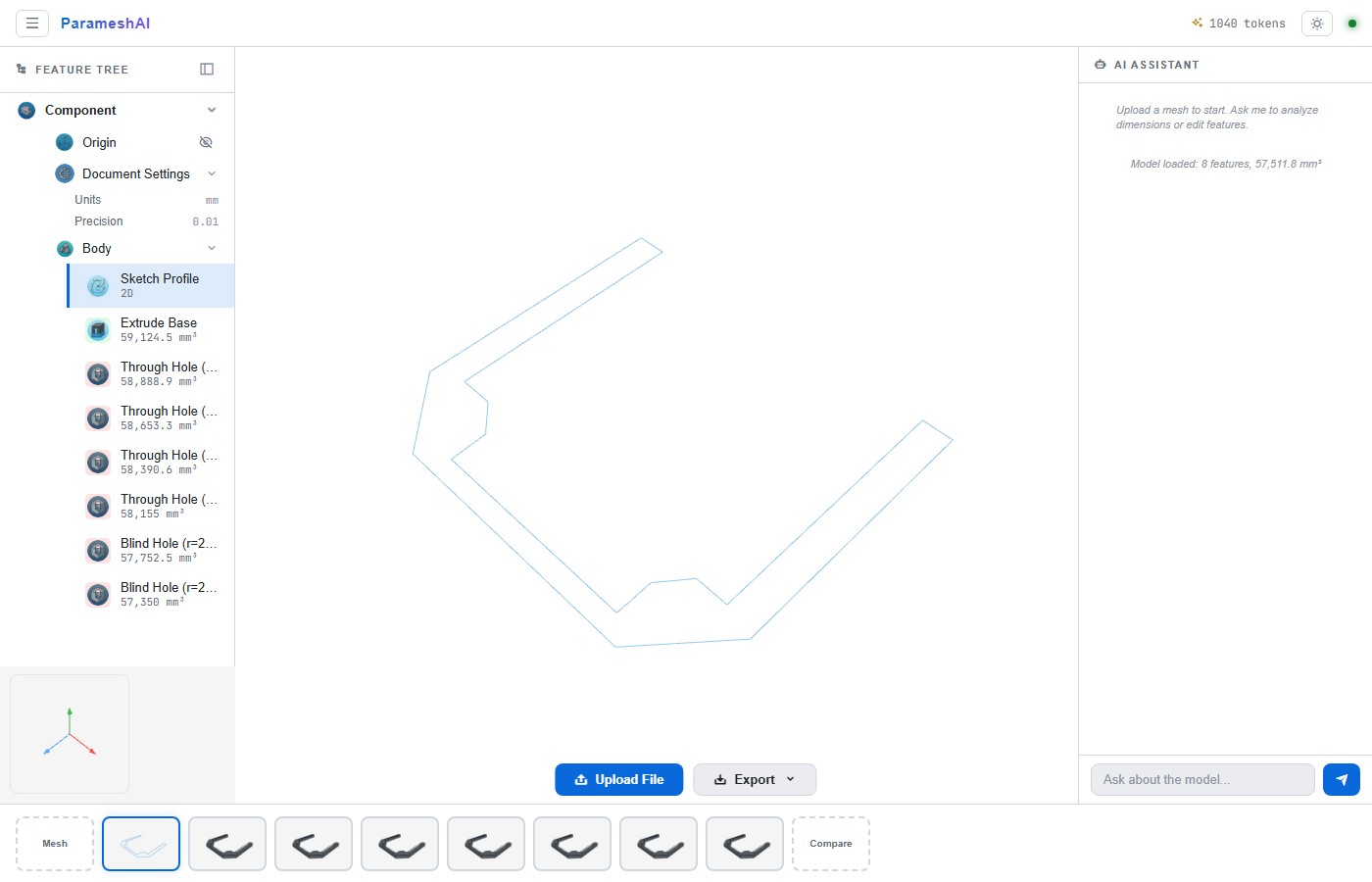
Front plate with feature tree
Front Plate
Window cutout, 4 holes · Full feature tree
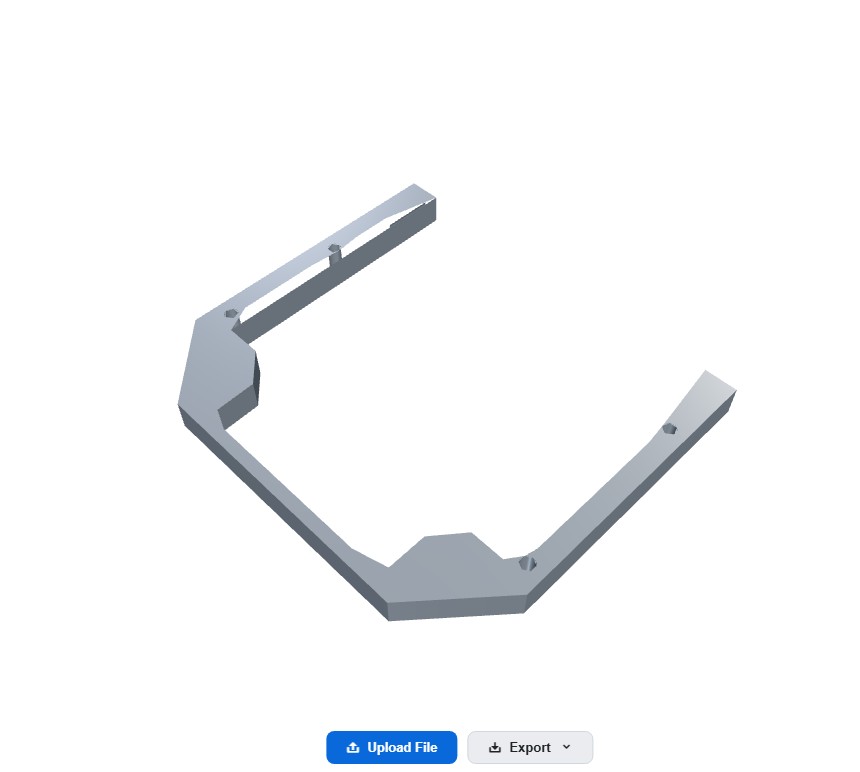
Mounting plate conversion
Mounting Plate
12 features · Under 45 seconds

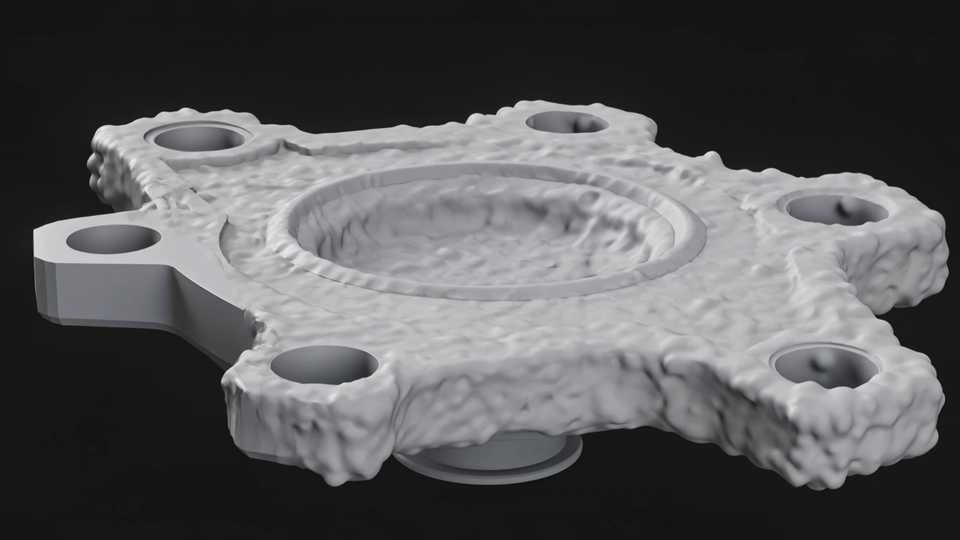
Intelligent segmentation

Clusters mesh faces into regions belonging to analytic surfaces — planes, cylinders, cones, spheres.

How it works

1

Upload your mesh

Drag in any STL, OBJ, PLY, or 3MF. The pipeline repairs topology, fixes normals, and cleans geometry automatically.

Upload a mesh file
2

AI builds your CAD model

Feature recognition detects extrusions, holes, chamfers, and fillets. A parametric solid is constructed from scratch with a full feature tree.

AI-built feature tree
3

Export or edit

Download as STEP, push to Onshape, or use the AI chatbot to modify dimensions. Every feature is editable.

Export STEP or edit in Onshape

How Paramesh AI compares

Capability Paramesh AI Manual CAD rework Mesh-to-BREP tools
Time per partUnder 60 sec2-8 hoursN/A
Cost per partFrom $0.33$50-150/hr$$
Parametric outputFull feature treeYes (manual)Dumb solid
Learning curveUpload and go6-12 monthsModerate
Hole detectionAutomaticManualNo
Chamfer / fillet recognitionAutomaticManualNo
AI dimension planningAI-poweredNoNo
STEP exportCadQueryNativeLimited
Onshape integrationREST APIManualNo

Free mesh cleaner

Fix broken meshes instantly. Repair topology, remove degenerate faces, fill holes, and resize — no signup required.

Repair
Fix normals, fill holes, remove degenerates
Resize
Scale to exact dimensions in mm
Export
Download cleaned STL instantly
Try the free cleaner

Simple, per-part pricing

No tokens, no credits. Just upload parts. Simple plans that scale with your workflow.

Free
$0
no signup required
Mesh cleaner & resizer
Unlimited cleaning
5 MB upload limit
STL export
No account needed
Try Free Cleaner
Pay As You Go
$2
/part
No commitment
50 MB upload limit
STEP export
Feature tree viewer
Email support
Join Waitlist
Most Popular
Pro
$29
/month
30 conversions/month
200 MB upload limit
All export formats
AI chatbot + planner
Priority support
Solo engineers, freelancers
Join Waitlist
Team
$79
/month
100 conversions/month
$1.50/part overage
500 MB upload limit
API access + batch export
Full AI suite
Dedicated support
Small shops, agencies
Join Waitlist

All paid plans include feature tree viewer, construction timeline, and Onshape integration.

Get early access

Join the waitlist. Be the first to convert meshes into parametric CAD models.

You're on the list. We'll be in touch.

Frequently asked

What file formats are supported?
STL, OBJ, PLY, and 3MF. The pipeline repairs topology, fixes normals, and removes degenerate faces before processing. Learn more about STL to STEP conversion →
What kinds of parts work best?
Prismatic mechanical parts — brackets, mounts, plates, housings. Components with planar faces, cylindrical holes, pockets, bosses, fillets, and chamfers. Guide: reverse engineering meshes →
How accurate is the reconstruction?
Typically under 3% volume error compared to the original CAD model. The pipeline detects all major features including through/blind holes, chamfers, and fillets. See accuracy details →
Do I need to install anything?
No. Paramesh AI runs entirely in your browser. Upload a mesh, get a parametric CAD model back. No plugins, no downloads.
What export formats are available?
STEP is the primary export format — it works with SolidWorks, Fusion 360, Onshape, and all major CAD tools. The exported model includes a full parametric feature tree.
How does the AI assist the conversion?
AI analyzes your mesh to optimize the build order, suggest clean engineering dimensions, and plan the best construction strategy for the parametric model. Learn about AI features →